Tested over 60 days with busy dual-parent & multi-child schedules
Score
The Cozyla Calendar+ 2 is our undisputed top recommendation for 2026. While competitors hold essential utilities hostage behind aggressive $79–$108/year paywalls, Cozyla offers a gorgeous anti-glare display, bi-directional calendar sync, gamified chore charts, and zero onboard cameras for $0/month for life.
The Hook & Overview: Taming Modern Family Scheduling Chaos
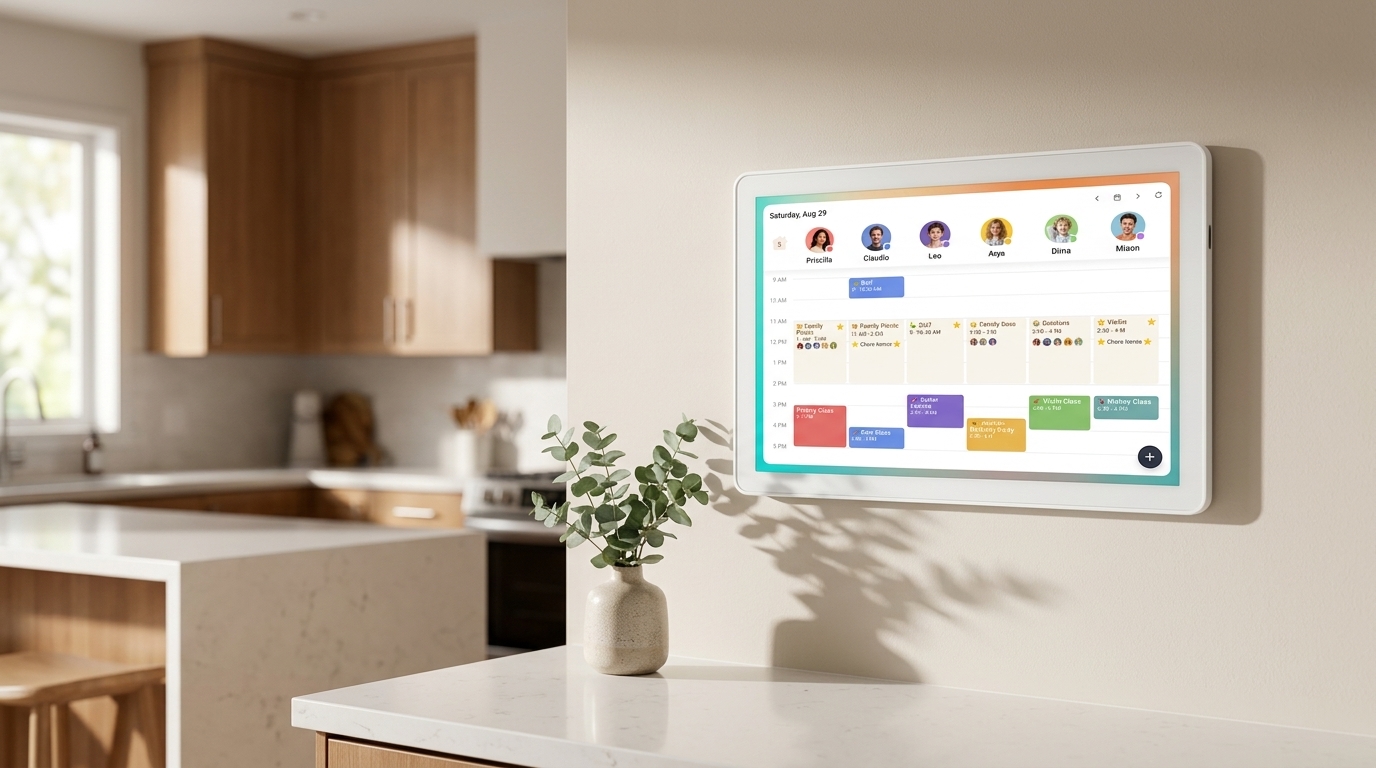
Modern household logistics have reached a boiling point. Between overlapping soccer practices, pediatric dental visits, shifting school project deadlines, and mentally juggling dinner plans, the humble refrigerator whiteboard has collapsed under pure cognitive overload. The Cozyla Calendar+ 2 (15.6" / 24") steps into this domestic chaos not as another distraction-heavy entertainment tablet, but as an intentional, purpose-built digital family command center.
By replacing smeared dry-erase ink and fragmented phone notifications with a bright, persistent, and centralized touchscreen hub, Cozyla bridges the daily communication divide between parents, kids, and caregivers. Whether mounted on your kitchen command wall or parked on an island countertop, it provides the entire household with a single, synchronized source of truth that family members of all ages can actually see, read, and trust.
The Zero-Subscription Killer Advantage: Lifetime Freedom from Paywalls
Where Cozyla fundamentally disrupts the smart home display category is its uncompromising, lifetime zero-subscription policy. Primary competitors in the digital calendar space have built notorious walled gardens: the Skylight Calendar holds essential daily utilities—including chore charts, meal planners, and photo screensavers—hostage behind an aggressive $79/year Skylight Plus paywall, while the Hearth Display mandates a perpetual $9/month ($108/year) membership just to remain functional.
All features unlocked forever
Chores & photos locked
Mandatory for functionality
Cozyla flips this exploitative recurring-revenue model on its head. Out of the box, you receive unrestricted two-way multi-calendar synchronization, customizable chore routines, interactive star rewards, weekly meal planning, shared grocery checklists, and cloud photo albums for exactly $0 per month for life. Over a typical 3-to-5-year hardware lifecycle, choosing Cozyla saves families between $240 and $540 in hidden software tax alone.
Display Hardware & Effortless Calendar Sync: Purpose-Built Clarity
From an engineering and usability standpoint, the Cozyla Calendar+ 2 is optimized specifically for high-glare kitchen and living areas. Its 15.6-inch 1080p Full HD IPS touchscreen delivers wide 178-degree viewing angles and features a premium matte anti-glare finish that diffuses harsh recessed kitchen lighting while repelling greasy toddler fingerprints.
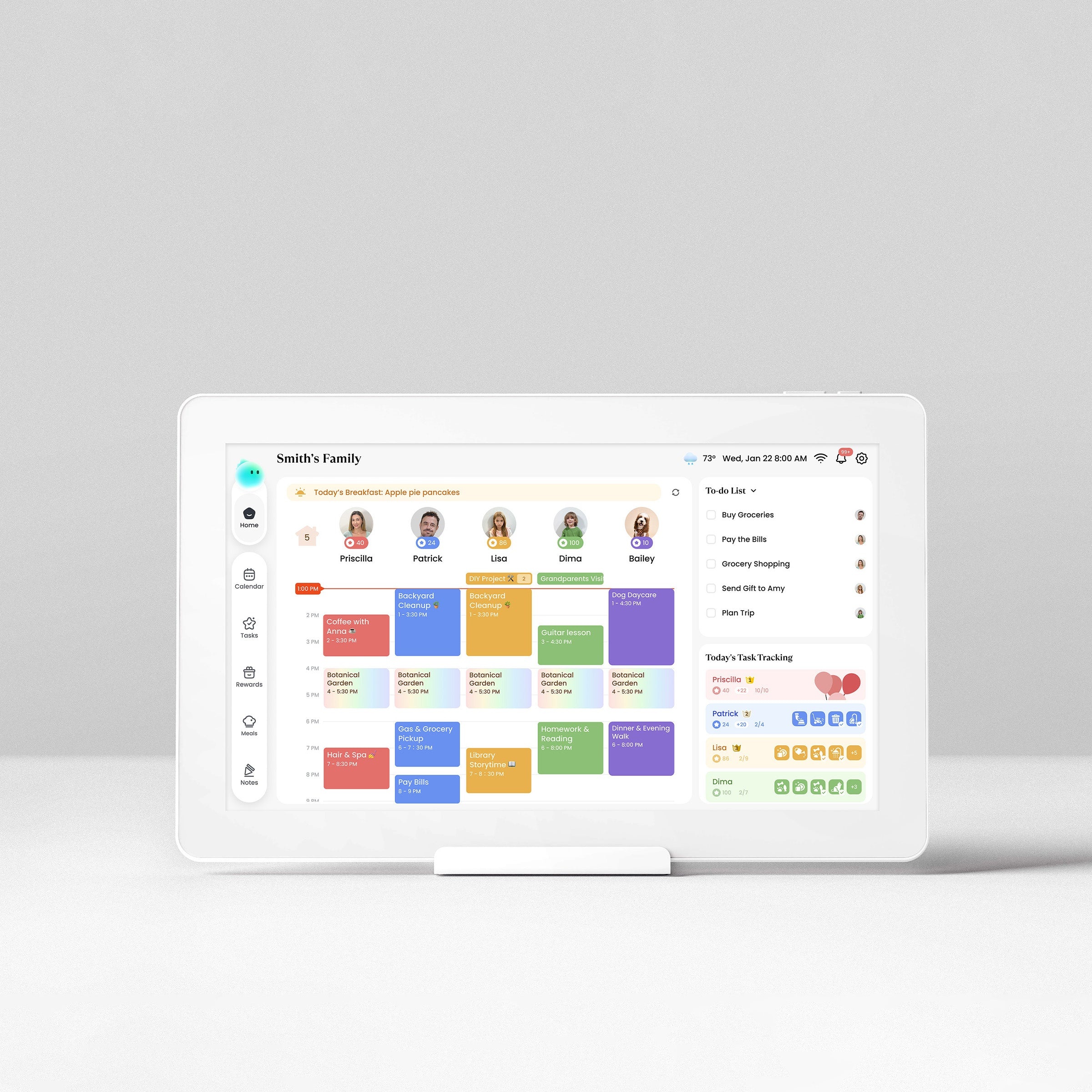
An internal gravity sensor allows the frame to effortlessly auto-rotate between portrait mode (perfect for tall daily agendas and long chore checklists) and landscape mode (ideal for comprehensive full-month multi-user grids). Calendar ingestion is equally flawless: Cozyla executes bi-directional cloud synchronization across Google Calendar, Apple iCloud, Microsoft Outlook, and Cozi feeds. Whether a parent inputs a doctor visit on an iPhone via Apple Calendar or accepts a school event through corporate Outlook, the update populates across the Cozyla screen in near real-time without requiring manual refreshes or clunky bridge apps.
Gamified Chore Routines & Meal Planning: Fostering Child Independence
Beyond raw calendar scheduling, Cozyla excels at eliminating morning and bedtime parent nagging through gamification. Up to 8 family members receive personalized color-coded profiles with dedicated avatars, allowing kids to quickly identify their daily responsibilities. The interactive chore management engine empowers parents to build custom recurring routines—from packing school lunches and making beds to feeding pets and completing instrument practice.
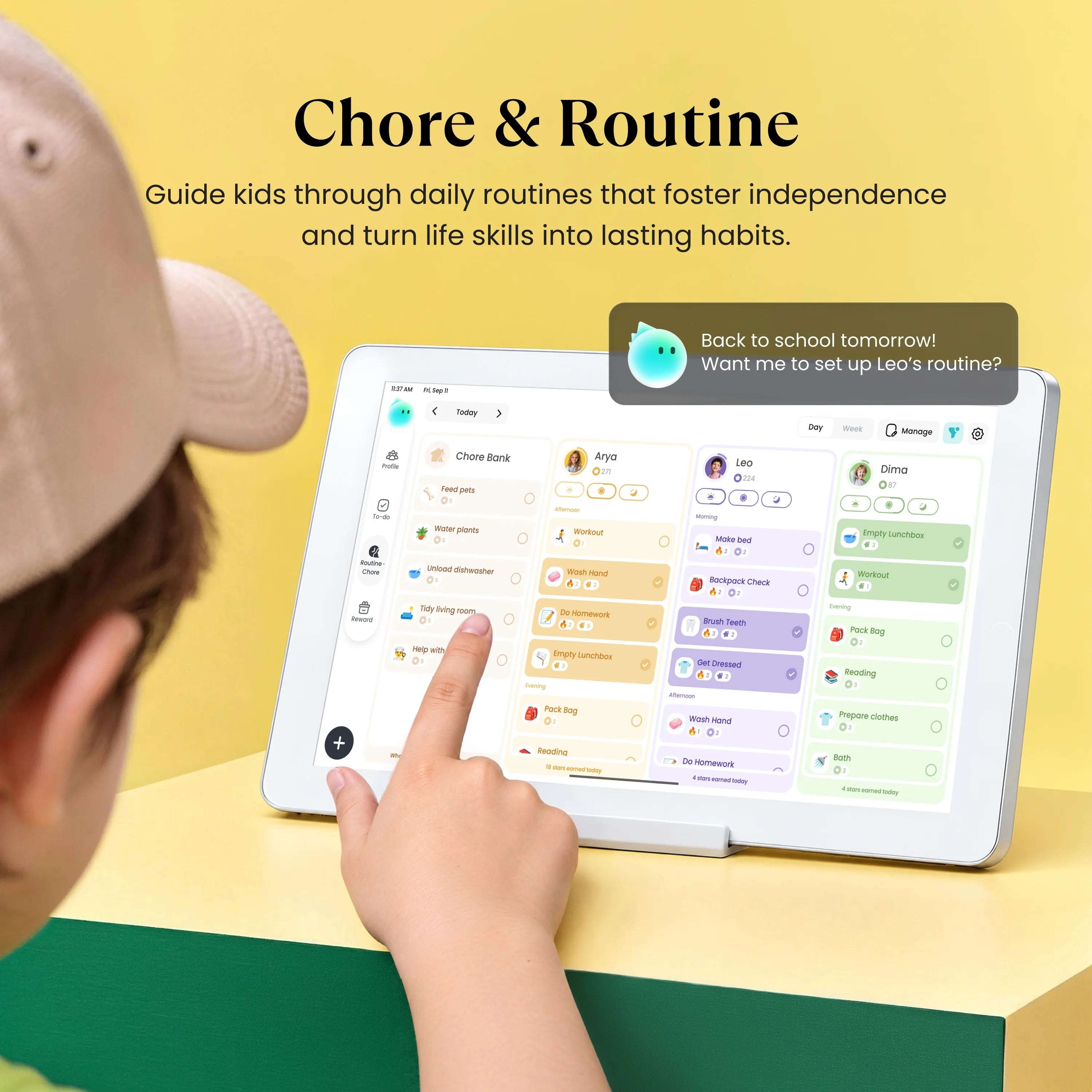
When children check off completed tasks on the responsive touchscreen, the display triggers celebratory sound effects and awards bankable star points toward parent-approved rewards like weekend movie nights or extra screen time. Paired alongside an intuitive drag-and-drop weekly meal planner that automatically exports ingredient checklists to the Cozyla iOS/Android companion app, the device systematically streamlines the entire household's mental workload.
Smart Home Openness & Absolute Privacy: No Cameras, Total Control
Unlike closed proprietary appliances that lock you into a single company's limited ecosystem, Cozyla runs an open Android foundation (CalendarOS) backed by certified Google Play Store access. This makes it a dream appliance for smart home enthusiasts: you can install the official Home Assistant companion app for rich Lovelace dashboard controls, stream background cooking playlists via Spotify, or pull up video recipe tutorials on YouTube.
Unlike mainstream smart displays (like the Amazon Echo Show 15) that monitor room occupancy with optical cameras and serve sponsored commercial ads, Cozyla is engineered with zero cameras. It will never watch your home, build ad profiles, or display sponsored intrusions. Microphones are reserved strictly for Alexa voice timers and hands-free calendar entries.
The Purchasing Verdict: The Undisputed Smart Family Gold Standard
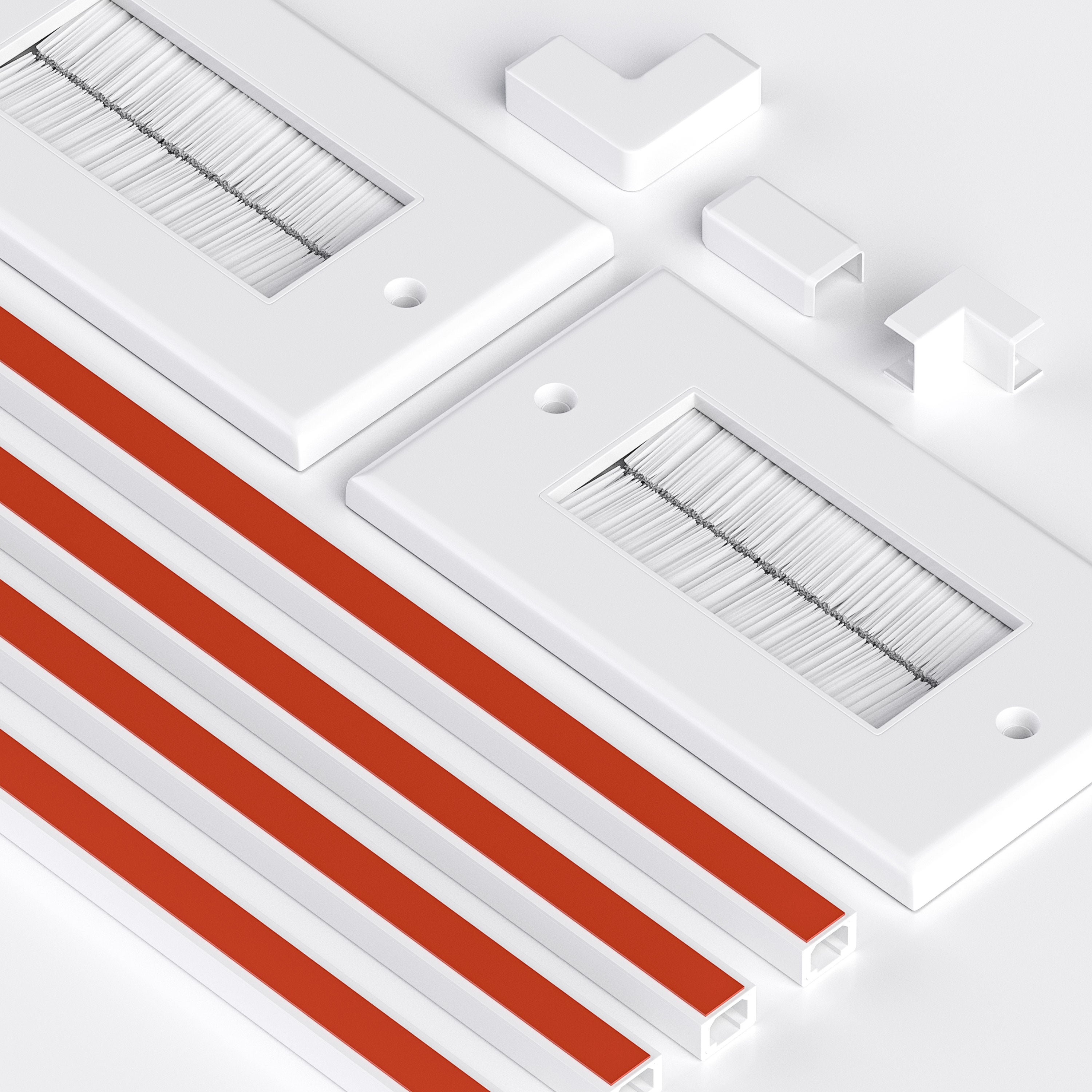
While the Cozyla Calendar+ 2 stands as the most capable family organizer on the market, prospective buyers should weigh two practical realities: it requires continuous AC power via its included 12V DC adapter—meaning flush wall mounting requires thoughtful cord management or a recessed outlet—and it commands a higher upfront investment ($349.99 MSRP for the 15.6" model) than repurposing a budget consumer tablet.
However, when measured against recurring competitor subscriptions, superior matte display clarity, and the profound daily calm it brings to hectic family mornings, the investment pays for itself within months. For busy parents, neurodivergent households navigating ADHD visual routine schedules, and tech-savvy families demanding open smart home versatility, the Cozyla Calendar+ 2 earns our unconditional Editor's Choice recommendation as the finest smart family calendar of 2026.
Quick Glance Specifications Matrix
| Specification | Cozyla Calendar+ 2 (15.6") 🏆 | Cozyla Calendar+ 2 (24") | Skylight Calendar (15") |
|---|---|---|---|
| Display Size & Type | 15.6-inch IPS Full HD | 23.8-inch IPS Full HD | 15.0-inch Touchscreen LCD |
| Resolution & Finish | 1920 × 1080 (Anti-Glare Matte) | 1920 × 1080 (Anti-Glare Matte) | 1920 × 1080 (Glossy/Slight Glare) |
| Operating System | CalendarOS (Android base) | CalendarOS (Android base) | Proprietary Closed Kiosk OS |
| App Ecosystem | Google Play Store Certified | Google Play Store Certified | Closed (No app store) |
| Calendar Sync Support | Google, Apple, Outlook, Cozi | Google, Apple, Outlook, Cozi | Google, Apple, Outlook, Yahoo |
| Mandatory Subscription | $0.00 / Life (FREE) | $0.00 / Life (FREE) | $39 – $79 / Year |
| Core Features Free? | Yes (Sync, Chores, Meals) | Yes (Sync, Chores, Meals) | No (Chores paywalled) |
| Integrated Camera | None (100% Privacy) | None (100% Privacy) | None |
| Audio & Voice | Dual 2W Stereo + Mics | Dual 3W Stereo + Mics | Dual Speakers (No Alexa) |
| Mounting Options | Auto-Rotate VESA + Stand | Auto-Rotate VESA + Bracket | Desktop Stand / Wall |
| Amazon ASIN | B0F1F9FQCL |
Direct / Multi-Retailer | B0CXYZ1234 (Ref) |
Pros & Cons: At a Glance
-
100% Subscription-Free: Zero recurring fees for calendars, chore charts, meal planners, or photo sync.
-
Vibrant Anti-Glare Matte Display: 1080p IPS panel diffuses harsh kitchen lighting and repels smudges.
-
True Two-Way Synchronization: Real-time bi-directional sync with Google, Apple iCloud, Outlook, and Cozi.
-
Gamified Chore & Reward System: Star point bank motivates kids and automates morning and bedtime routines.
-
Open Android & Play Store: Install Home Assistant, Spotify, YouTube recipes, and live weather radar widgets.
-
100% Hardware Privacy: Zero onboard cameras eliminate snooping and intrusive advertising trackers.
-
Flexible Dual Orientation: Built-in sensor auto-rotates between portrait (chores) and landscape (calendar).
-
Continuous AC Power Required: Lacks internal battery; wall mounting requires cord management or in-wall plug.
-
Higher Initial Upfront Cost: Higher upfront investment compared to repurposing an old consumer tablet.
-
Apple Setup Nuance: Apple iCloud calendar integration requires generating an Apple App-Specific Password.
-
Modest Speaker Bass: Dual 2W speakers are crisp for voice timers and podcasts, but modest for party music.
-
App Scaling in Portrait: A few third-party Android apps from Play Store may default to landscape orientation.